My lists
Lists of your own, for samples to order, scents to hunt down, bottles to wait on for a sale or gifts, shared by link if you like.

Make a list when you're planning something: a sample order, a hunt for something that smells like a favourite, or a gift for someone.
How to use it
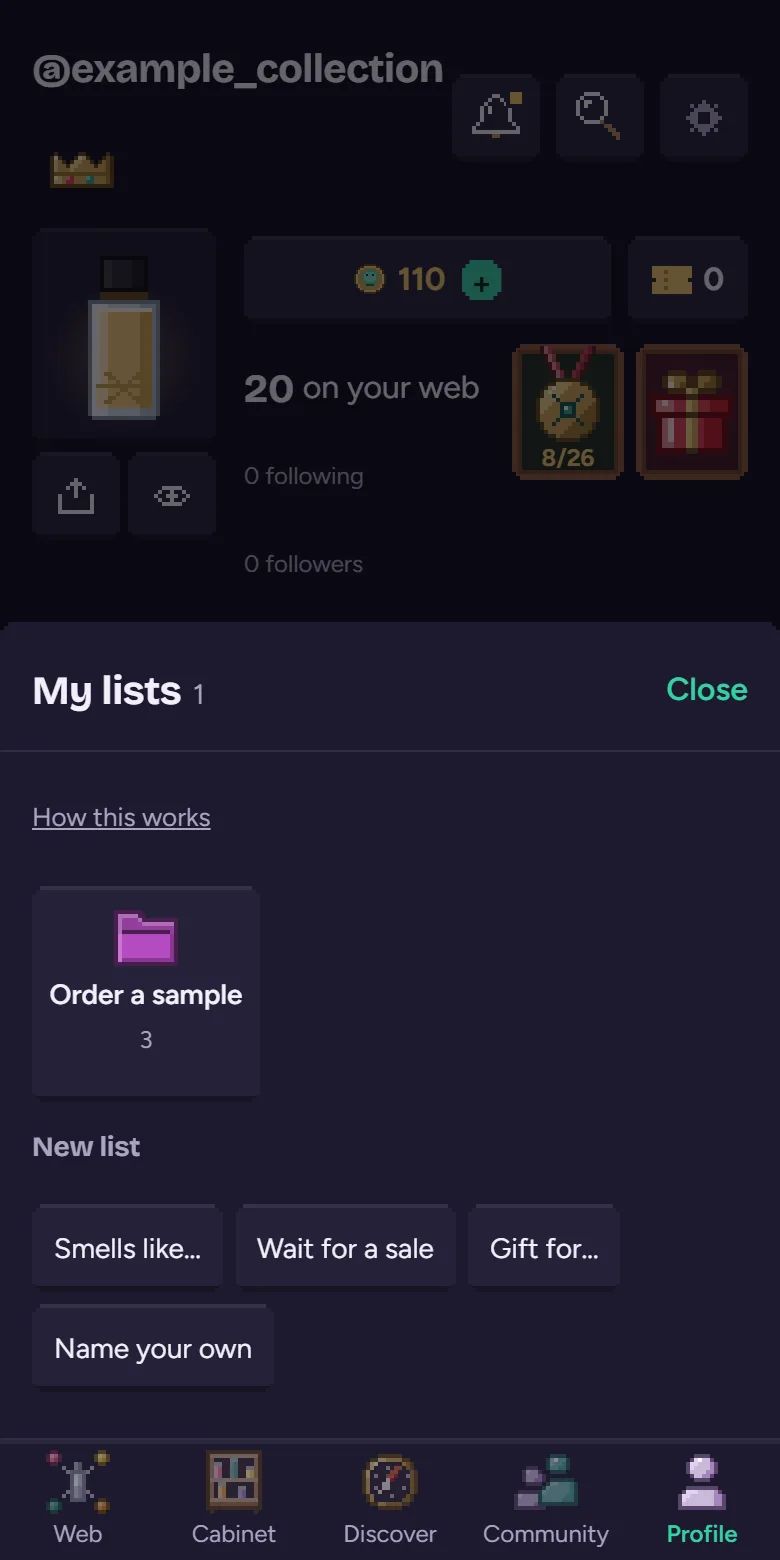
On Profile, open My lists and pick a starter, such as Order a sample or Wait for a sale, or name your own.
Tap Add and tick the bottles to put in it, or file your wants with Sort into lists.
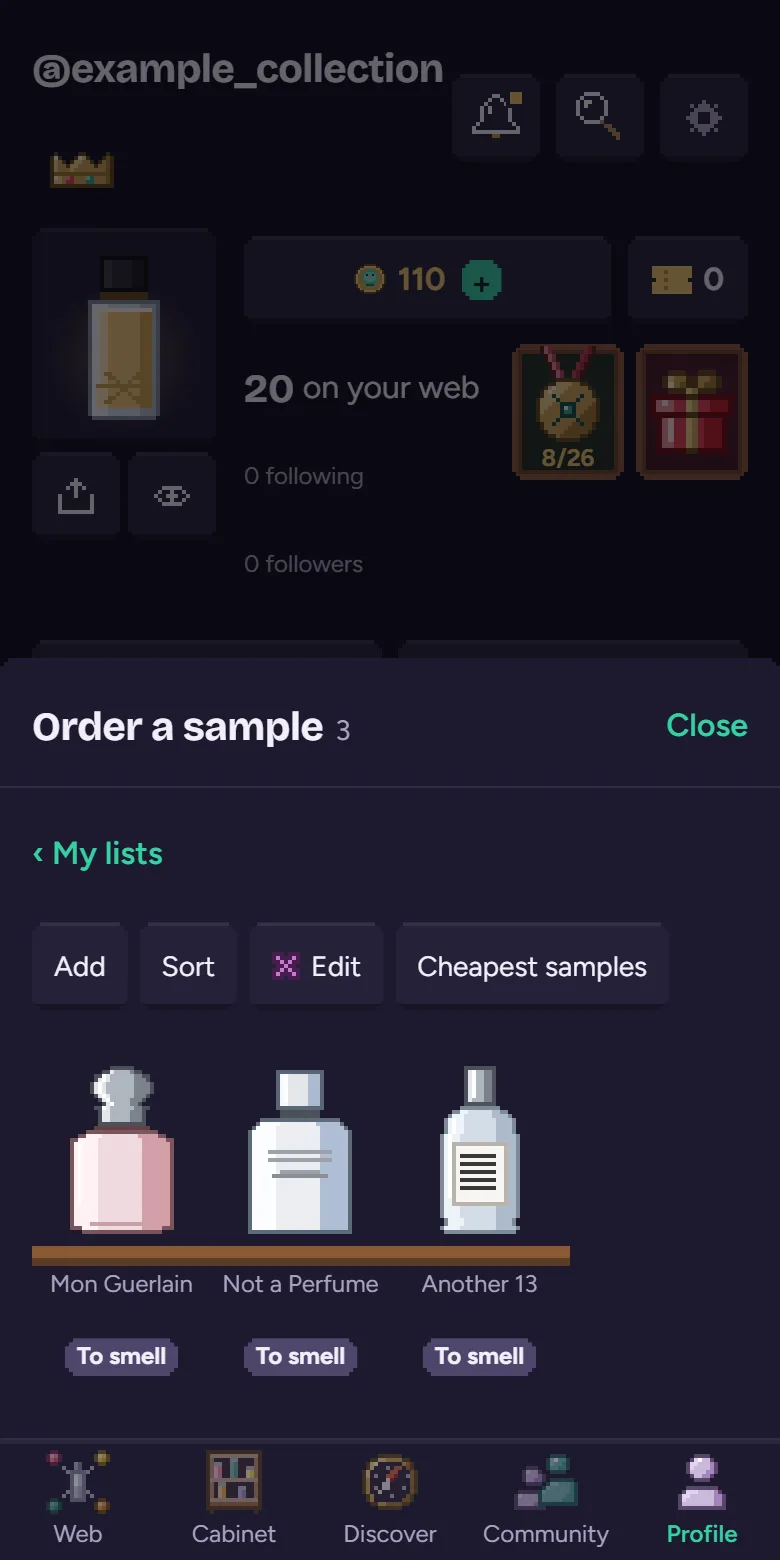
Tap Cheapest samples to see where to sample the list for least.
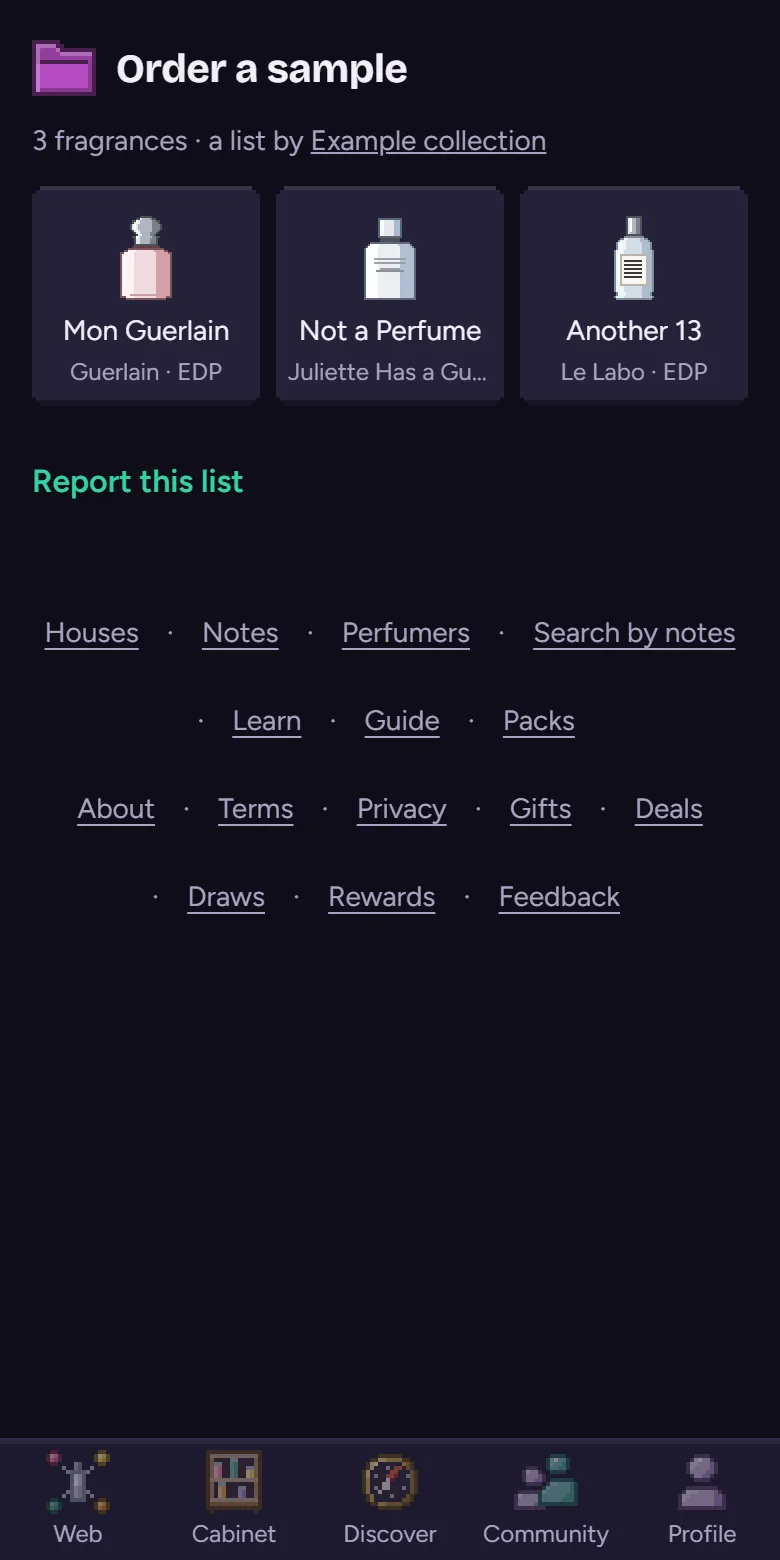
Tap Share this list and send the link. Turn sharing off whenever you like.
Tips
- Filter your cabinet by a list to see only its bottles.
- A shared list shows its name and bottles only, never your notes or your verdicts.
Free and premium
Free accounts keep three lists, each as long as you like; premium has as many as you like.
Questions
How many lists can I make?
Three on a free account, each as long as you like, and as many as you like with premium. A free account's extra lists stay on this device and can't be shared.
Who can see a shared list?
Anyone with its link. It shows the list's name and bottles, and nothing else of yours.
Can I stop sharing a list?
Yes. Turn sharing off and the old link stops working.
Can a list hold fragrances I don't own?
Yes, any fragrance on the site.