Cabinet
Every bottle you own on pixel shelves, with its size, how full it is, and what you've finished or passed on.

Use the cabinet to keep track of your collection: what you have, how much is left, and which to wear today. It holds everything you own, whether or not it fits your taste.
How to use it
Open Cabinet to see your bottles, decants and samples on shelves.
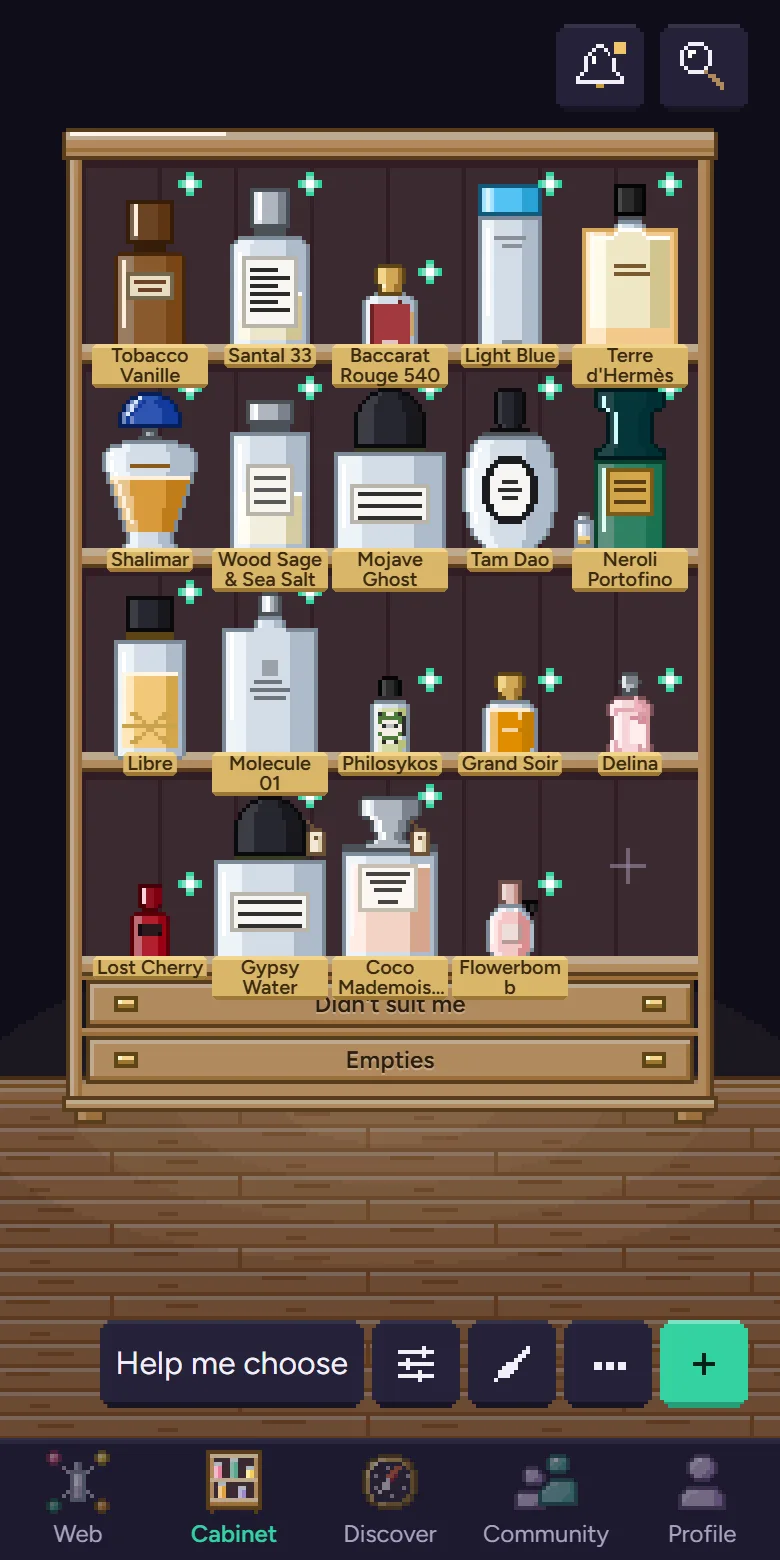
Tap a bottle for its card, then set its size and how full it is, from nearly empty to full.
When one runs out, tap Empty. Sold, swapped or given it away? Say so under Sold or gave it away?, and it moves to the Empties drawer.
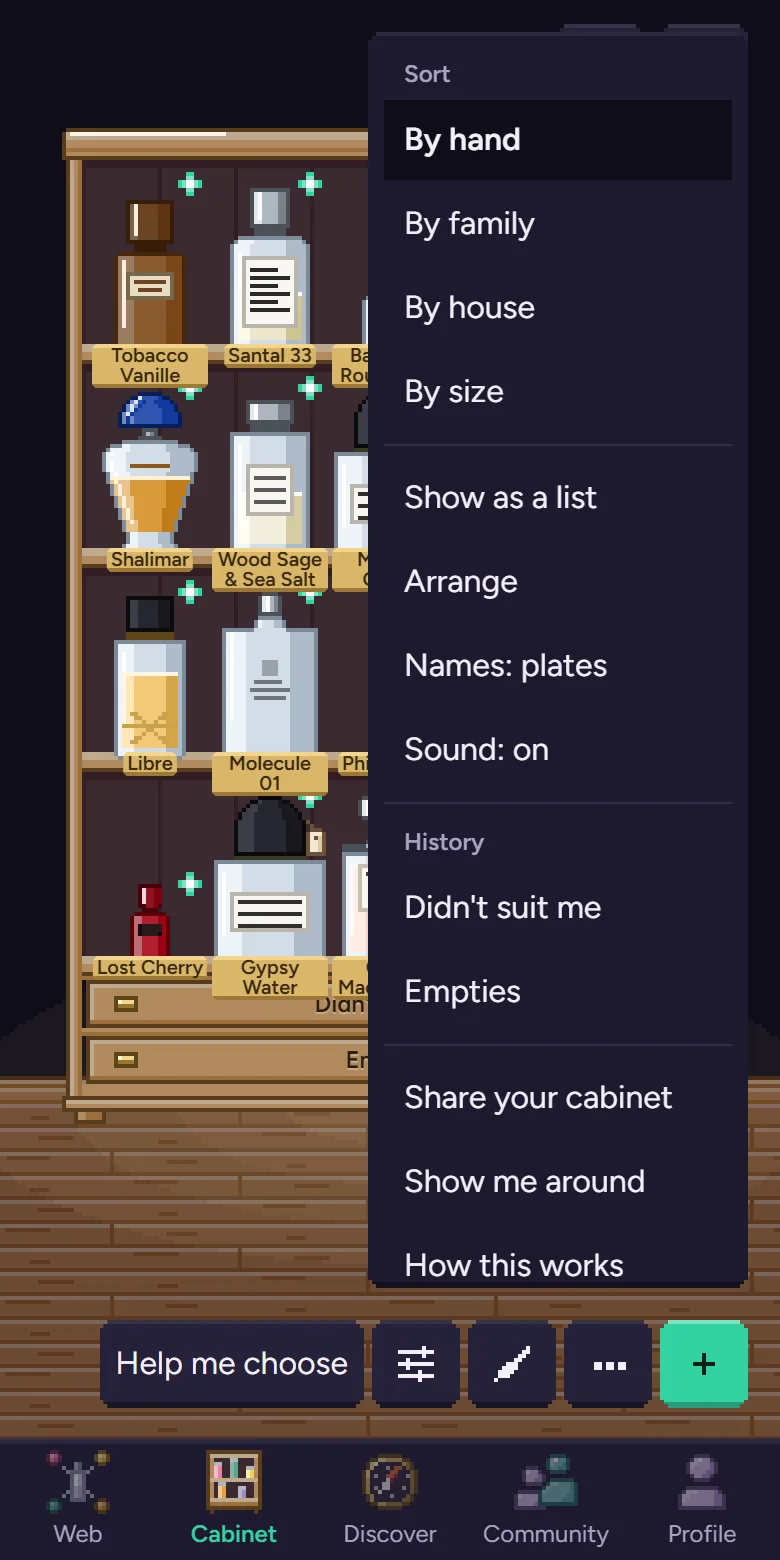
Open More, then History, for the Empties drawer and the Didn't suit me drawer.
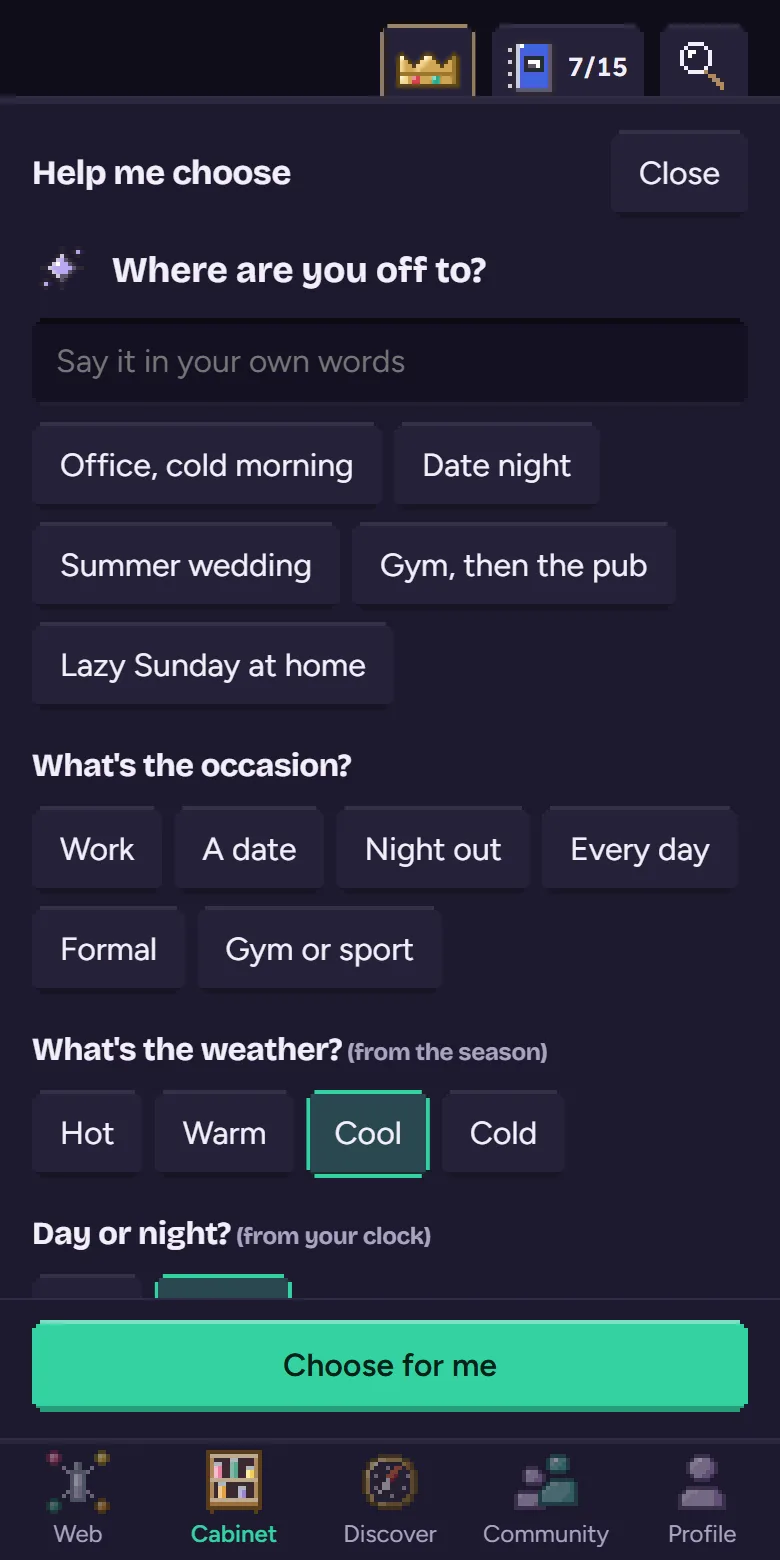
Stuck on what to wear? Tap Help me choose for an answer from your own shelves.
Tips
- Filter the shelves by season, size or one of your lists.
- Sort by hand, by family, by house or by size from More.
- Style changes the cabinet's look, its walls and the garnishes that sit on it.
Free and premium
The cabinet is free, as many bottles as you like; Help me choose gives three answers a day free and as many as you like with premium.
Questions
What's the difference between the cabinet and the web?
The cabinet holds everything you own. The web holds only the fragrances you've said fit your taste, owned or not.
Can I record a sample or a decant?
Yes. Choose Decant or Sample when you add it, pick its size in ml, and it sits on the shelves with the rest.
What happens when I finish a bottle?
Tap Empty and it moves to the Empties drawer, which you'll find under More, then History. Its verdict stays, so it stays on your web.
How does Help me choose work?
It picks from the bottles you own, by the day, the weather or a sentence of your own. Free accounts get three answers a day.