Wants
Two lists for what's next: the fragrances you'd like to smell, and the ones you'd like a bottle of, ranked your way.

Add a want whenever something catches your eye, so you have a list ready at the counter and the prices are watched for you.
How to use it
Tap + on a suggestion, or answer Not yet when you add a fragrance you haven't smelt.
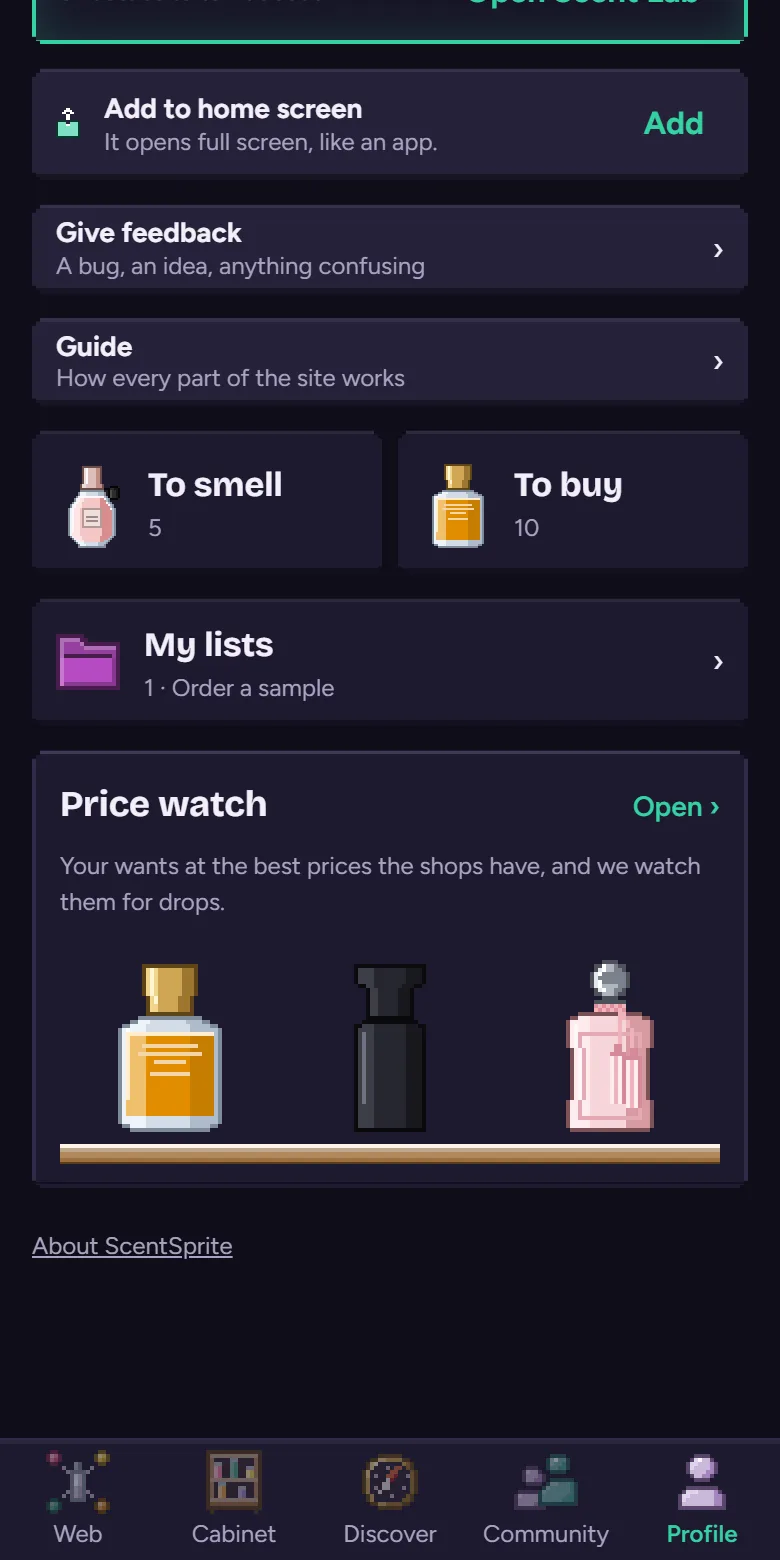
On Profile, open To smell or To buy under Your wants.
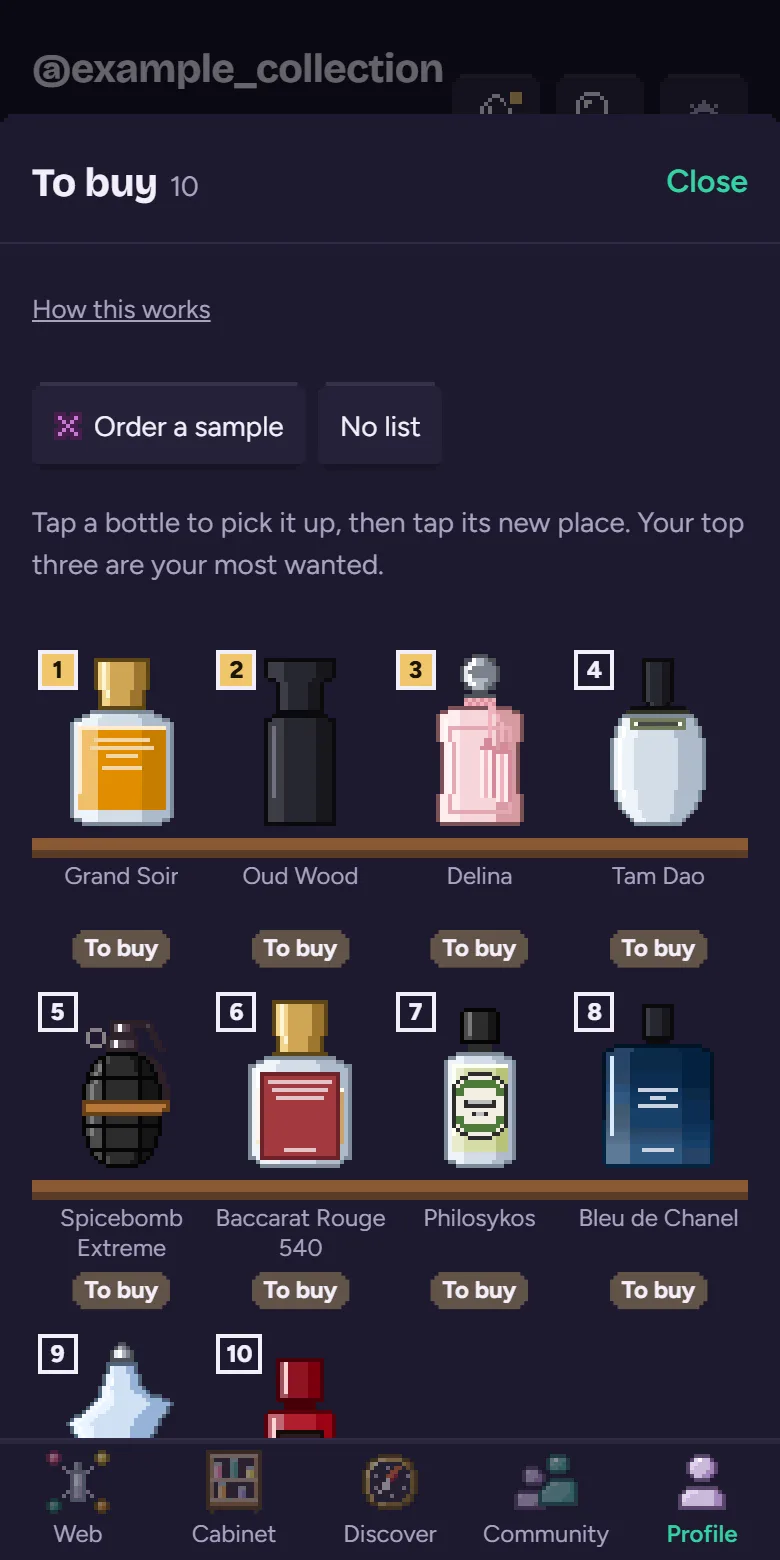
Tap Rank, lift a bottle and tap the place it belongs, then Done.
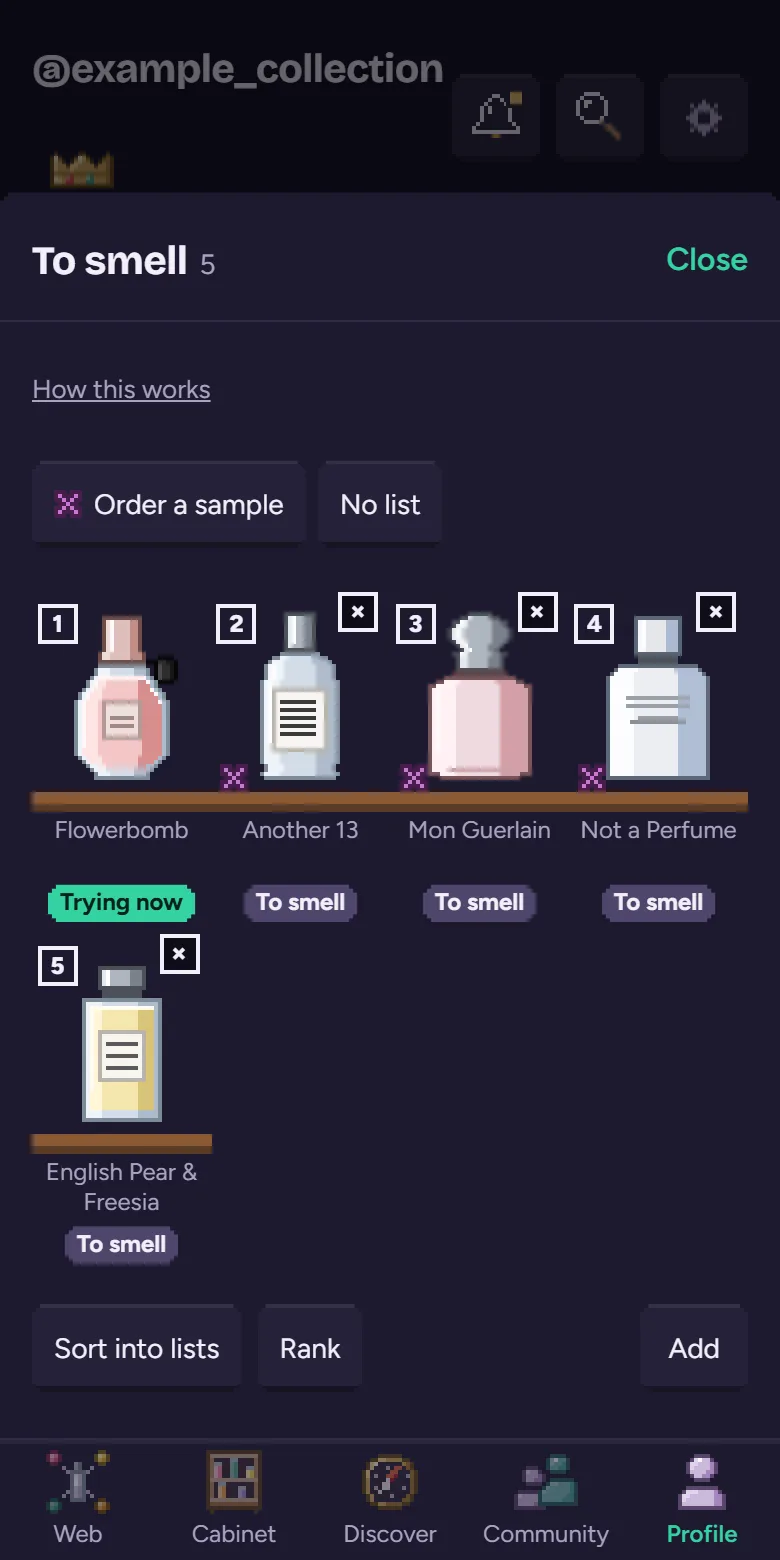
Use Show a list to see just one of your lists, or Sort into lists to file them.
Tips
- The top three on To buy are your most wanted: they lead your gift list and Price watch.
- Mark one Trying now while you wear a sample.
- Every want's price is watched for free.
Free and premium
Wants and ranking are free for everyone, as many as you like.
Questions
What's the difference between To smell and To buy?
To smell is for fragrances you haven't tried. To buy is for ones you know you love and would like a bottle of.
Does the order of my wants matter?
Yes. Your top three on To buy are your most wanted, so they come first on your gift list and in Price watch.
Can I remove a want?
Yes, with one tap on its row, or by giving it a verdict once you've smelt it.
Are my wants' prices tracked?
Yes, every want, for free. You hear when one drops.