Sprites and packs
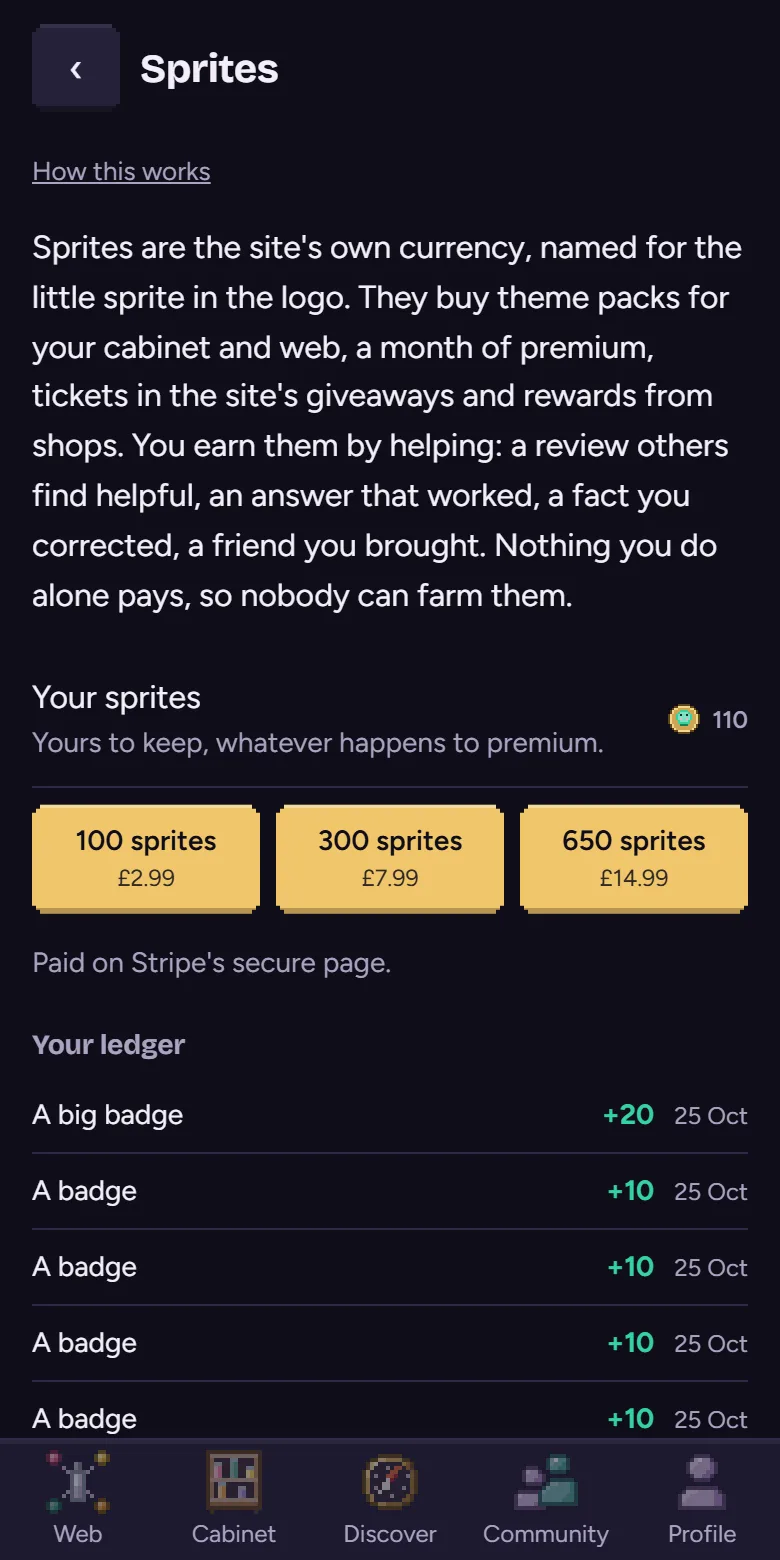
Earn sprites by adding to the site, and spend them on theme packs that dress your cabinet, your web and the whole site.

Open Style when you'd like your cabinet and web to look like yours, and Sprites to see what you've earned and how.
How to use it
Earn sprites: ten at sign-up, then for helpful reviews, answers that worked, badges, friends who stay and the daily Guess the fragrance.
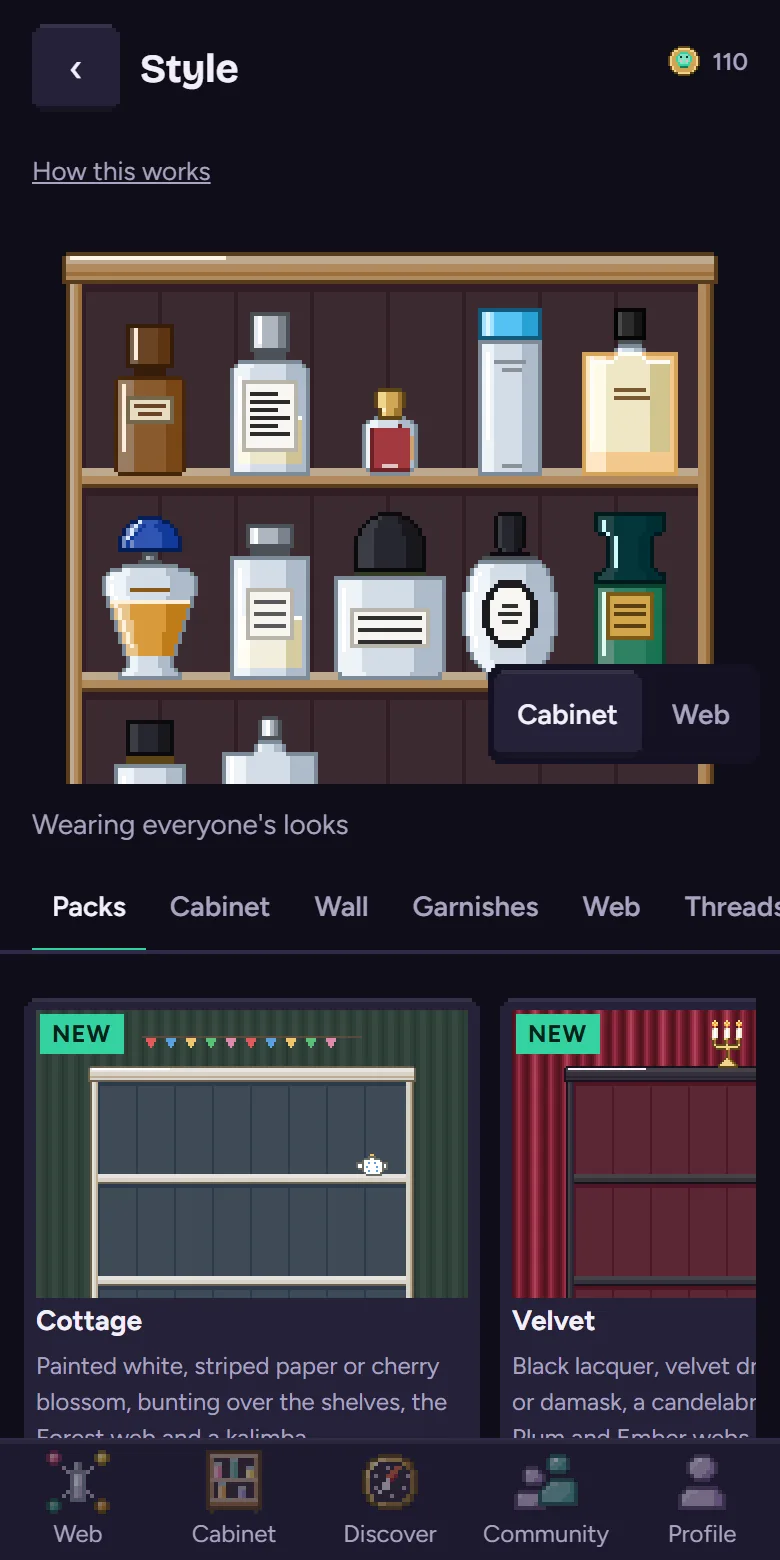
Open Style. Packs is first in the Look group; tap a pack to try it on.
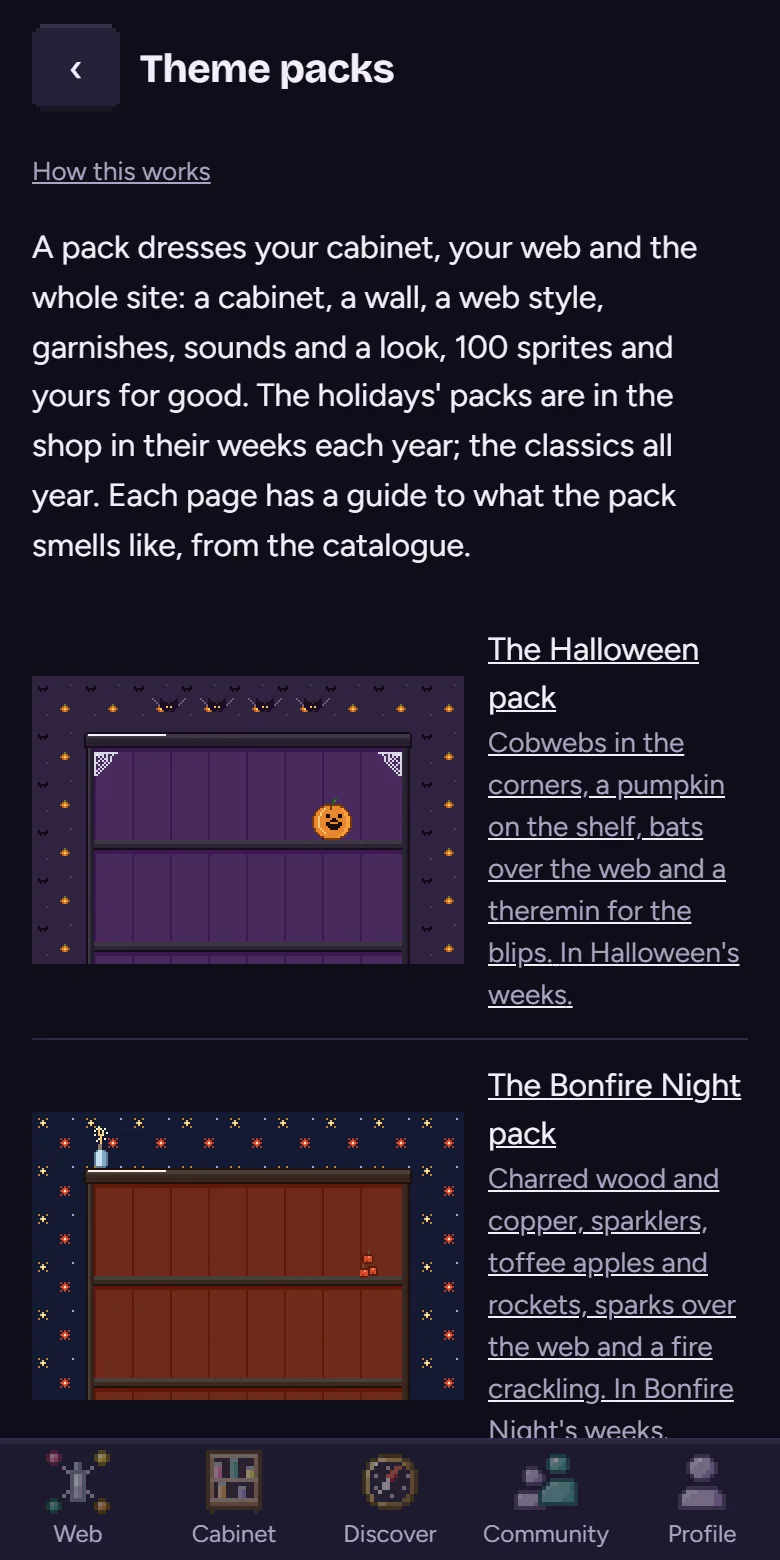
Tap Get the pack for 100 sprites. It's yours for good.
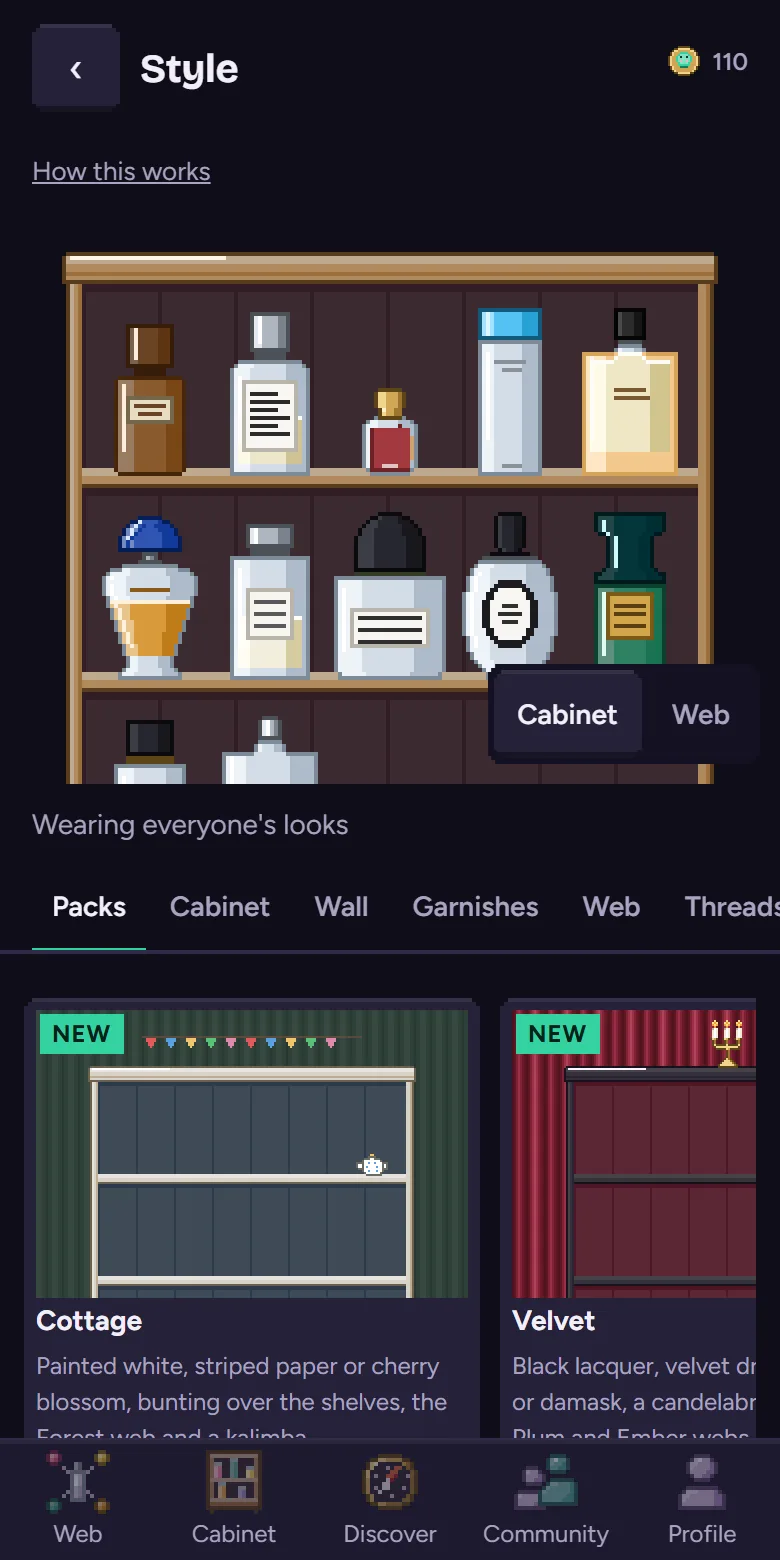
Mix parts from any packs you own, by group: Look holds packs and the site's look; Web the web style, threads, scene and what falls; Cabinet the cabinet, wall and garnishes; Extras the sounds and the mascot. The window above follows the group.
Tips
- Undo takes your last change back, and Done returns you to the page you came from.
- Seasonal packs are sold only in their holiday's weeks, and stay yours after.
- Some looks are earned by badges, not bought.
- Sprites never expire, but can't be sent to someone else or turned into money.
Free and premium
Packs cost the same for everyone, 100 sprites each; premium includes 150 sprites a month, a pack and a half, yours to keep.
Questions
How do I earn sprites?
Ten at sign-up, then by helping: votes on your reviews, answers that worked, badges, friends who stay, asked-for fragrances being added and Guess the fragrance. You can also top up.
Do theme packs expire?
No. A pack you get is yours for good, even after its season ends.
Do I keep my sprites if premium ends?
Yes. Sprites you've been given are yours to keep, whatever happens to premium.
Can I try a pack before buying it?
Yes. Tap Try it on and see it on your own cabinet and web first.