Compare
Set any two fragrances side by side: the notes they share, the facts, everyone's ratings and how each fits you.

Compare when you're torn between two bottles, wondering whether a flanker is worth it, or checking how close a clone really is.
How to use it
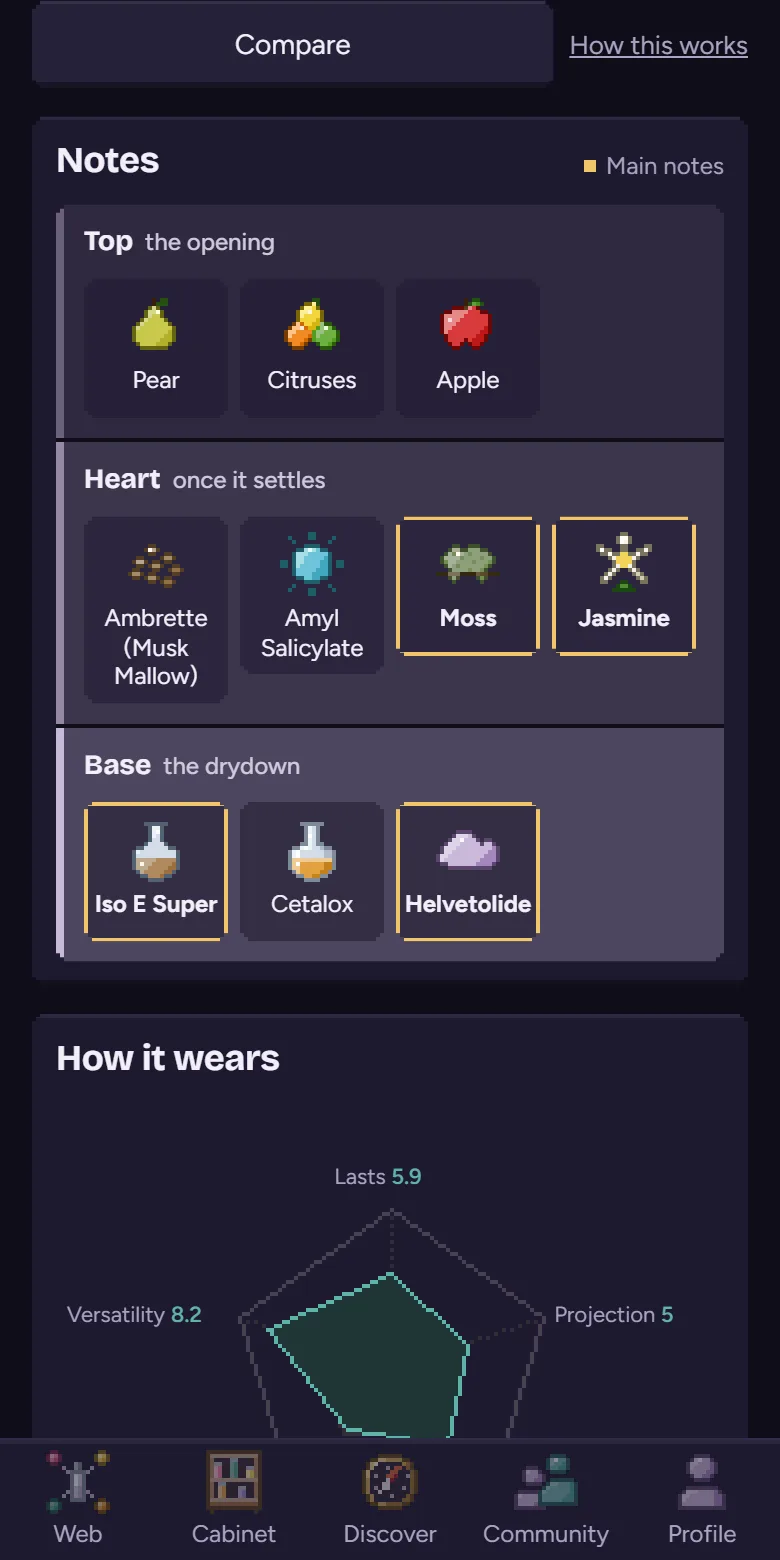
On any fragrance's page, tap Compare under its summary, or tap Compare at the top of Discover.
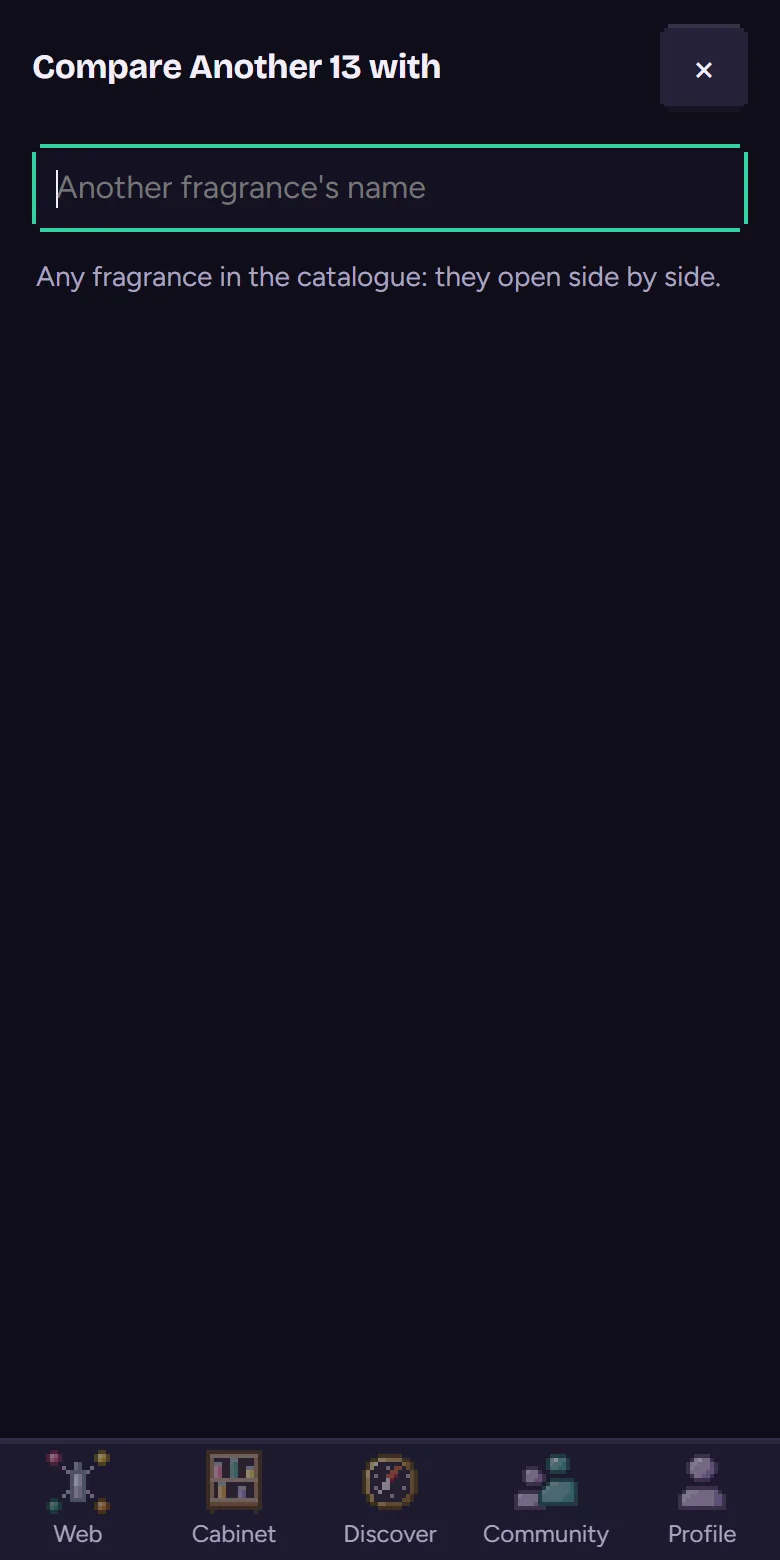
Type the other fragrance's name and tap it.
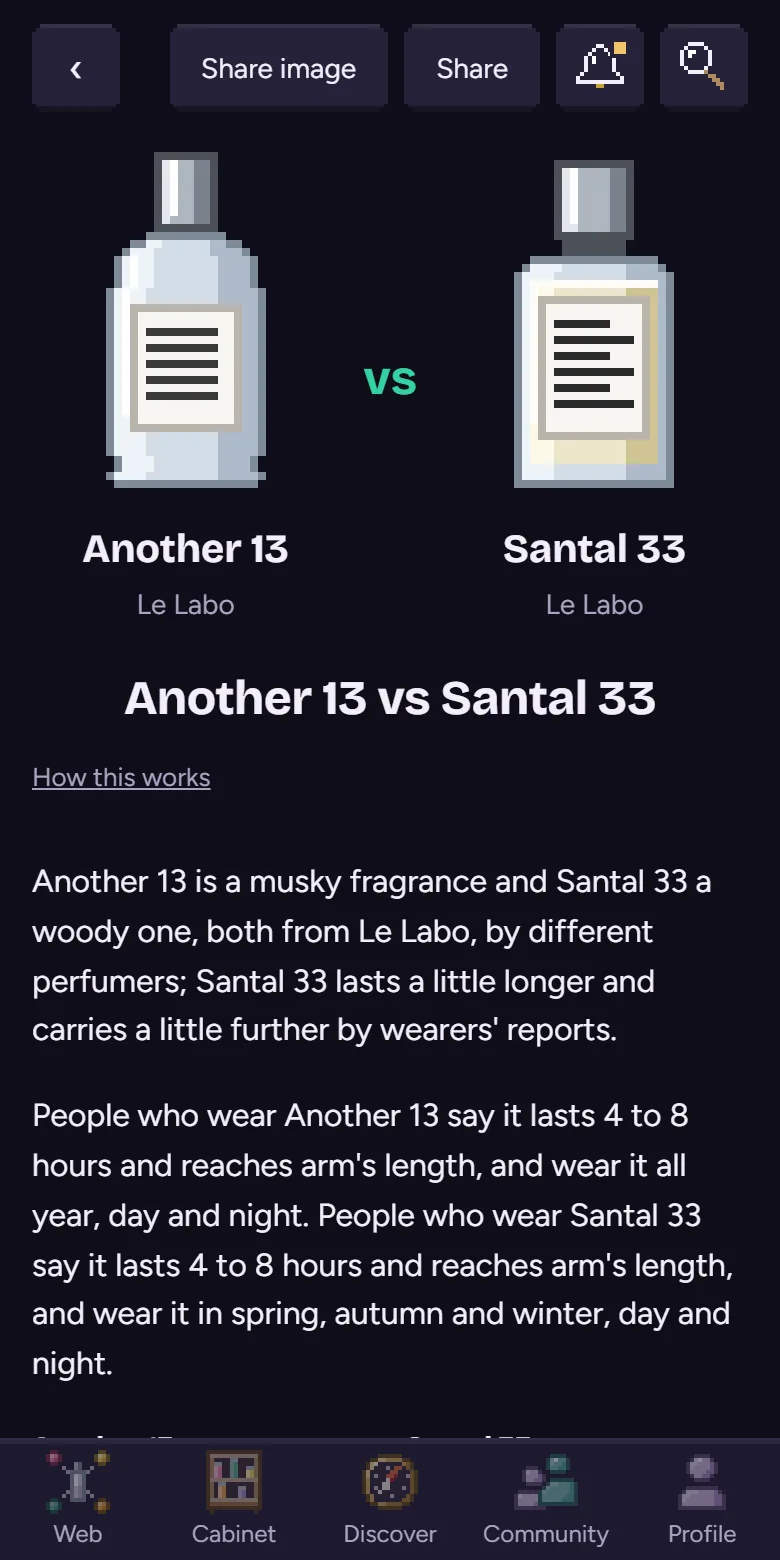
Read For you, each bottle's verdict or how likely it is to suit you.
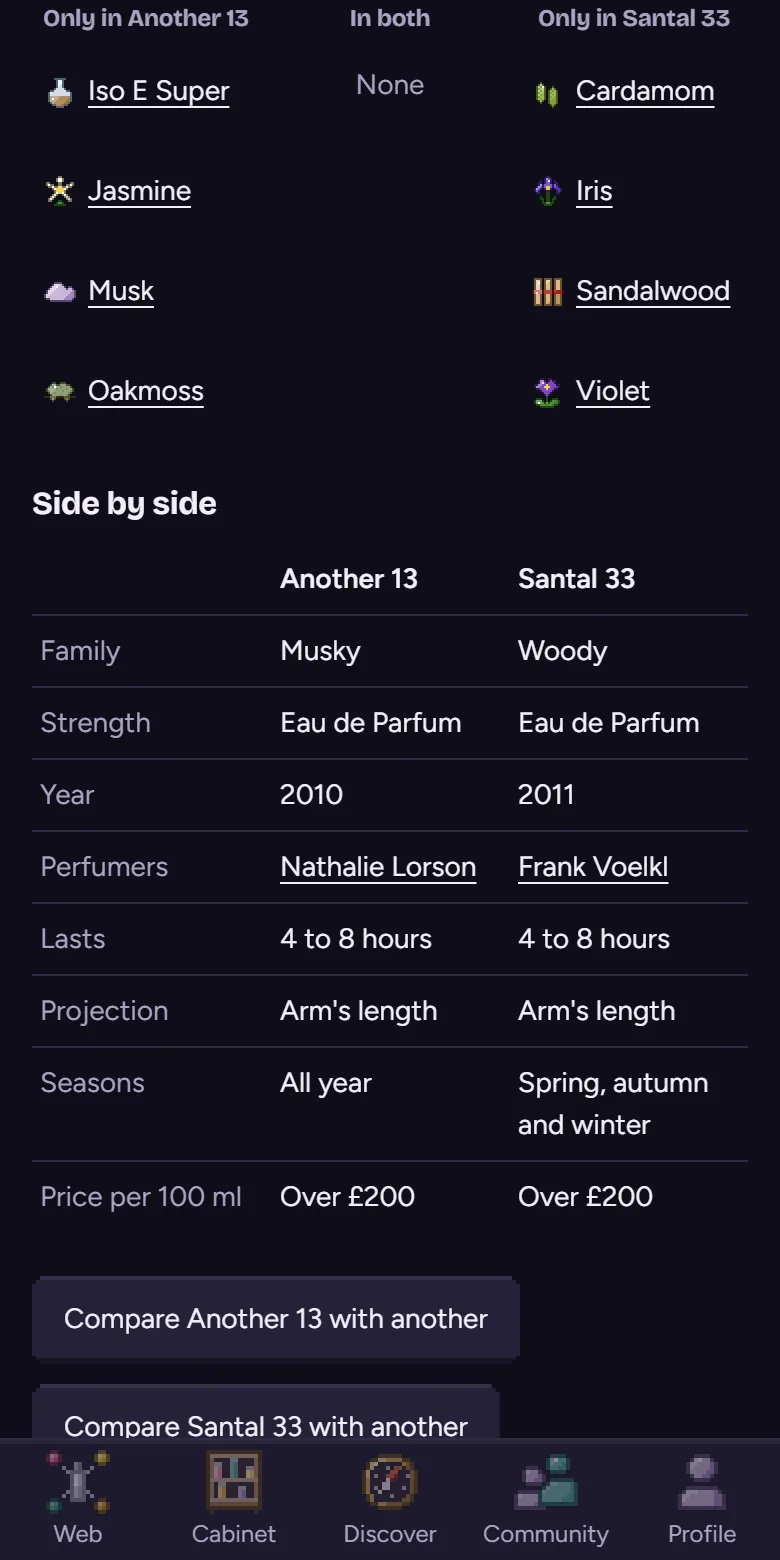
Read the main notes in three columns, only in one, in both and only in the other, then the facts side by side and everyone's ratings.
Tips
- Swap either side with Compare with another, without starting again.
- Comparisons have their own link, so you can share one.
Free and premium
Comparing is free for everyone, as often as you like.
Questions
Can I compare any two fragrances?
Yes, any two on the site.
Why are some ratings missing?
Everyone's ratings need at least five ratings of each kind before they're shown.
Does comparing need an account?
No. Signed in, you also see how each fits your taste.
Can I share a comparison?
Yes. Each pair has its own page and a share button.